English
 Tiếng Việt

Hacked Website? 8 Warning Signs and How to Check Quickly
Many owners only discover they have a hacked website when a customer calls to say "your site is full of gambling pages", or when traffic from Google suddenly drops. By then the damage is often serious: lost rankings, lost trust and sometimes a red warning from Google.
The good news is that most attacks leave traces. Here are the eight warning signs we see most often when cleaning up a hacked website, plus how to check each one in a few minutes.
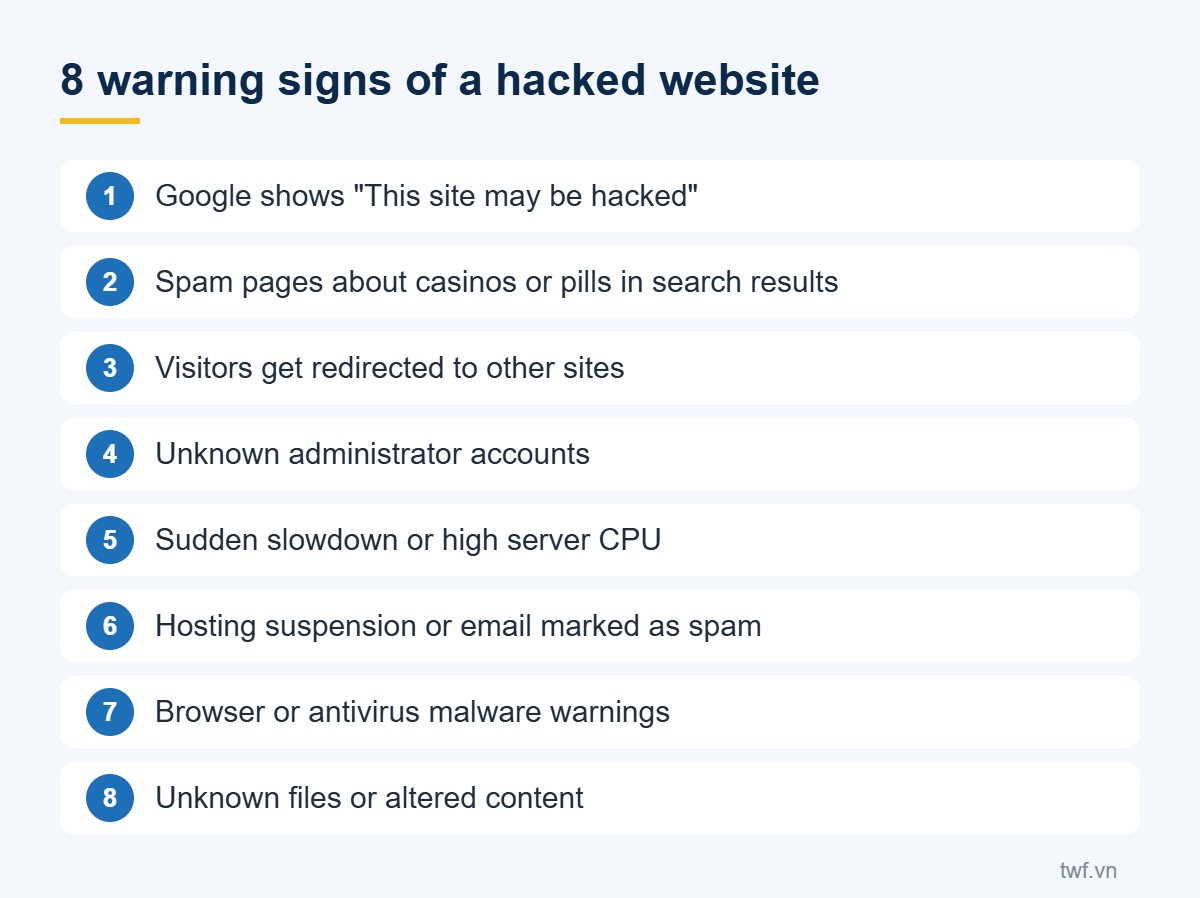
1. Google shows a security warning
Search results show "This site may be hacked" under your listing, or Chrome displays a red "Dangerous site" screen. This is the clearest sign and needs immediate action.
How to check: log in to Google Search Console and open Security & Manual Actions. You can also look up your domain in the Google Safe Browsing site status tool.
2. Strange pages and keywords appear on Google
A very common attack injects thousands of spam pages about casinos, betting or pills into your site to exploit your domain's reputation. Your homepage still looks normal, so owners rarely notice.
How to check: search Google for site:yourdomain.com and look for titles you did not write. Also try site:yourdomain.com casino.
3. Visitors are redirected to other sites
People who click your site from Google, or open it on a phone, get sent to ads or scam pages. Many infections only redirect visitors coming from search or mobile, so typing your address directly may look fine.
How to check: open your site from a Google result on your phone, using mobile internet rather than the office Wi-Fi.
4. Unknown admin accounts
Attackers often add an administrator account so they can come back later. Review the user list and the accounts with admin rights. If you see one you did not create, treat it as a hacked website.
5. The site is suddenly slow or the server is overloaded
Crypto miners, spam scripts and attack tools all consume server resources. If your site slows down while visitor numbers stay flat, or your host reports constantly high CPU, investigate right away.
6. Your host suspends the account or your email lands in spam
Hosting providers scan for malware and may suspend accounts that are infected. Another sign is that emails from your domain suddenly go to spam because the server is being used to send junk mail.
7. Browsers or antivirus software warn visitors
Customers tell you their antivirus blocks your site or that a strange file was downloaded. Take these reports seriously, even if everything looks normal on your own computer.
8. Unknown files or changed content
Randomly named files appear in your web folders, files show recent changes you did not make, or posts contain hidden links. These signs call for a careful code review by a specialist.
What to do if you have a hacked website
- Do not delete anything yet: back up the current files and database so the cause can be analysed.
- Change every password: website admin, hosting, FTP, database and email.
- Remove the malware: clean both the infection and any backdoors so attackers cannot return.
- Close the hole: update the CMS, plugins, theme and PHP, and remove anything unused.
- Request a review: once the site is clean, ask Google to review it in Search Console so warnings and spam pages are removed.
A thorough cleanup takes experience, because a single missed backdoor can reinfect the site within days. If you need help, see TWF's malware removal, security and SEO recovery service. To prepare for the worst, also read our guide to backing up your website properly.