English
 Tiếng Việt


Slow Website? 7 Common Causes and How to Fix Them
You paid for a website and you run ads every month, yet visitors leave before they even see your products. Very often the culprit is simply a slow website. On a phone, a few seconds of blank screen is enough for people to hit the back button.
Speed also affects SEO. Google uses Core Web Vitals to measure user experience, and a slow website struggles to compete for top positions. Below are the seven causes we run into most often when auditing client websites, along with practical fixes.
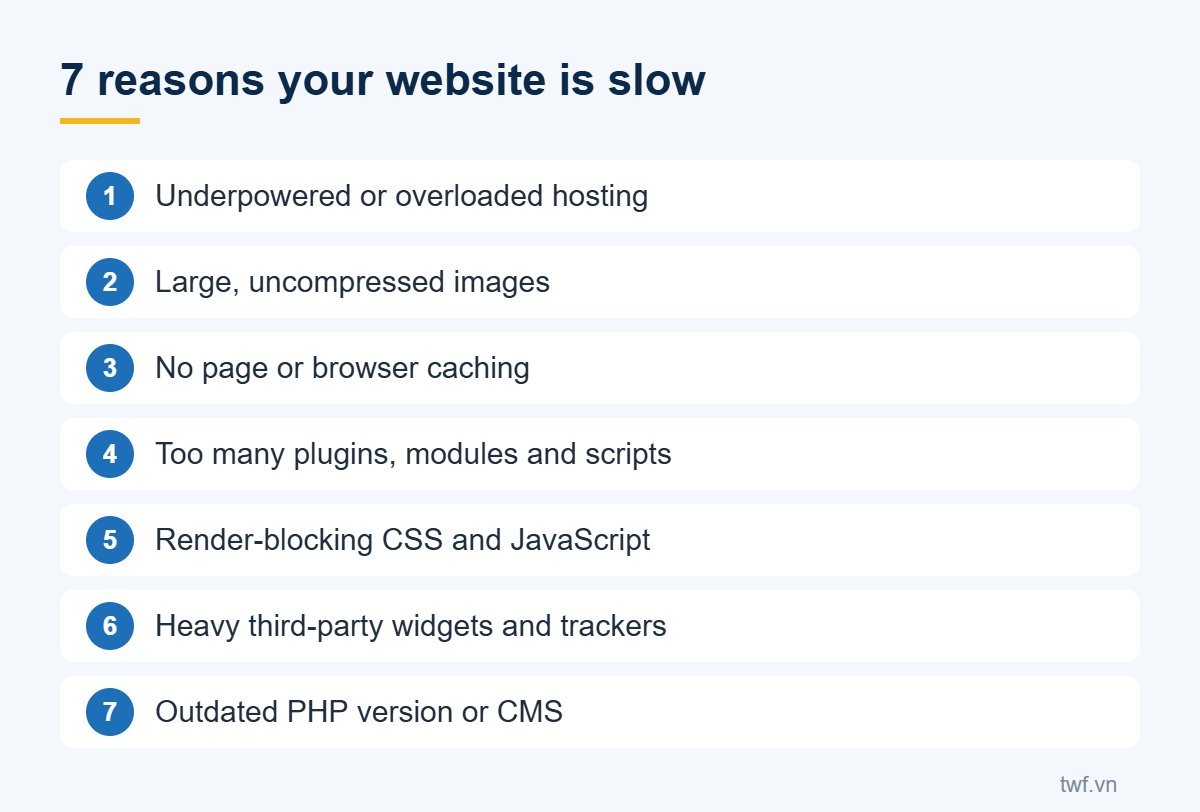
1. Underpowered or overloaded hosting
Budget shared hosting often packs hundreds of sites onto one server. When a neighbouring site gets attacked or receives a traffic spike, your site slows down too. A typical symptom is a slow server response: the page waits more than a second before anything appears.
Fix: choose a plan with dedicated CPU and RAM that matches your traffic, ideally with servers near your customers and a CDN if needed.
2. Large, uncompressed images
This is the most common problem. Photos straight from a phone or design tool can weigh several megabytes, even when they are shown in a small box. A homepage with dozens of such images quickly becomes a slow website.
Fix: resize images to their display size, compress them, prefer WebP or JPG over PNG for photos, and lazy-load images further down the page.
3. No caching
Without caching, the server rebuilds every page from scratch on each visit. On WordPress or Drupal that can be the difference between a few milliseconds and several seconds.
Fix: enable page caching and browser caching for static files, and add Redis or Memcached for dynamic data where possible.
4. Too many plugins and modules
Each plugin can add its own stylesheets, scripts and database queries. A slow website often carries a dozen plugins that nobody actually uses anymore.
Fix: audit and remove what you do not need, and replace heavy plugins with lighter alternatives.
5. Render-blocking CSS and JavaScript
The browser must download and process the stylesheets and scripts in the page head before it can show content. Large files, or files loaded from external servers, keep visitors staring at a white screen.
Fix: combine and minify files, serve them from your own server when an external CDN is not needed, and defer non-essential scripts.
6. Heavy third-party widgets
Chat bubbles, ad pixels, social comment boxes and embedded maps each pull in tens or hundreds of kilobytes from other servers. Together they can outweigh your actual content.
Fix: keep only the tools you really use and load them after the main content has appeared.
7. Outdated PHP and code
Modern PHP versions are significantly faster than old ones such as PHP 5.x or 7.0. An outdated CMS or theme is both slower and more vulnerable to attacks.
Fix: upgrade to a supported PHP version and keep your CMS, theme and plugins up to date. Always back up and test before upgrading.
How to tell if you have a slow website
The quickest check is the free Google PageSpeed Insights tool: enter your URL and review the mobile and desktop results. If terms like LCP, CLS and INP are new to you, read Core Web Vitals explained first.
A fast website keeps visitors, supports your SEO and lowers your advertising costs. If you would like an expert audit, see TWF's website speed optimization and security services or our all-round SEO services.