English
 Tiếng Việt

Selling on Facebook, Zalo or marketplaces is quick to start, but there is a catch: your customers, your data and the rules all belong to someone else. An online store of your own is where you set the prices, build your brand and keep your customer list for the long run.
It is also the kind of website that most often ends up half-finished. Being able to add products and a cart does not mean the store will sell. Here is what TWF pays attention to when designing an ecommerce website for a client.
What do shoppers want from a website?
Put yourself in the buyer’s shoes. They want to find products quickly, see clear photos, know the price, the shipping fee and when the order will arrive, and check out in three or four steps at most. One annoying step, such as forcing them to create an account, and many will simply leave their cart.
So when we build an online store, we focus on:
- Categories and filters that are easy to use, especially on phones.
- Product pages with everything a buyer needs: photos, price, stock status, description and return policy.
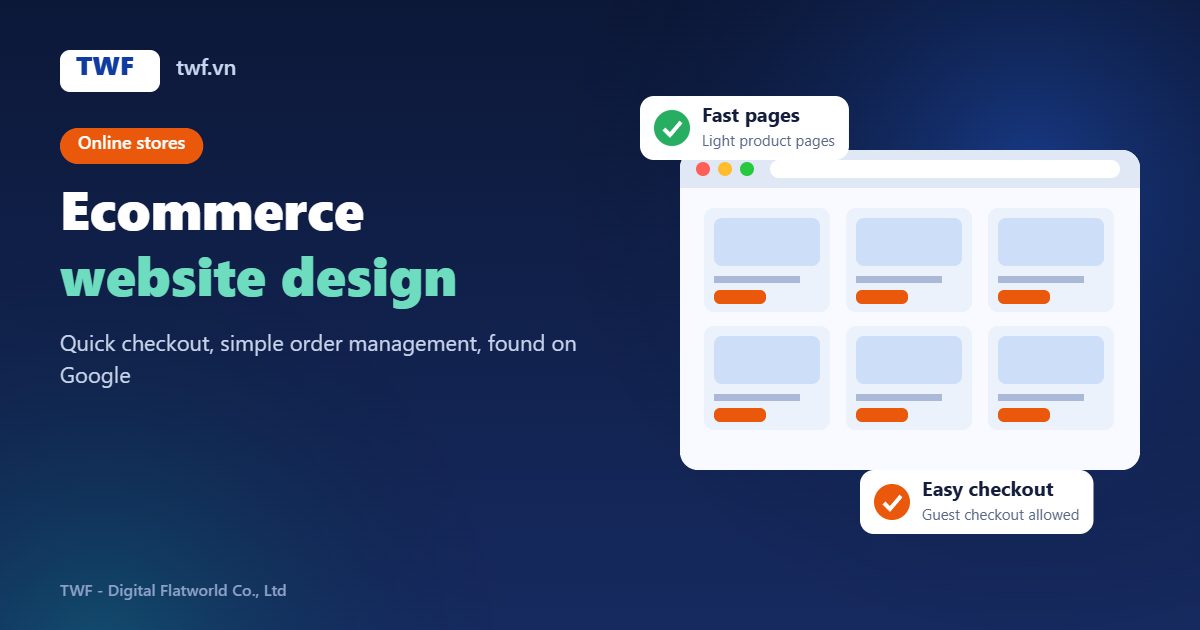
- A short cart and checkout, with guest checkout allowed.
- Several ways to pay: bank transfer, cash on delivery and an online payment gateway if you need one.
- Order notification emails for both you and the customer.
For a fuller checklist, see our article on must-have features for an online store.
Behind the counter: orders, stock and shipping
A good online store should take work off your plate, not add to it. With WooCommerce you manage products, stock, orders and discount codes from one admin area. When needed, TWF connects the store to your shipping provider or the sales management software you already use, so nothing has to be entered twice.
Selling through Google, not just through ads
Ads bring traffic quickly, but the moment you stop paying, the visitors stop too. A store built with SEO in mind from the start earns steady, free traffic from Google:
- Short, keyword-friendly product and category URLs.
- Unique titles and descriptions for each product.
- Structured data so Google understands prices and stock status.
- Compressed, properly named and described images.
Speed and security: two things that hit revenue directly
Online stores carry a lot of images, so they slow down easily. If a page takes several seconds to open, the customer has already moved on to another shop. TWF optimizes images, caching and code so product pages stay light as your catalogue grows. Our article on why websites load slowly goes into more detail.
Security matters even more for a store, since it holds customer and order data. SSL, regular plugin updates, sensible admin permissions and scheduled backups are not optional.
Where to start
You do not need to prepare anything complicated. Just tell TWF what you sell, roughly how many products you have, where you sell today and what you want the website to solve. We will suggest which features to build first, what can wait, and give you a clear quote.
See our process and common questions on the web design service page, or contact us directly:
- Phone / Zalo: +84 888 702 778
- Email: vanthanh@twf.vn